Smart Ring Won't Sync or Pair? Troubleshooting Guide
Smart ring won't sync or pair? Fix it with charge checks, Bluetooth and permission resets, app updates, and re-pairing. A step-by-step UK guide.
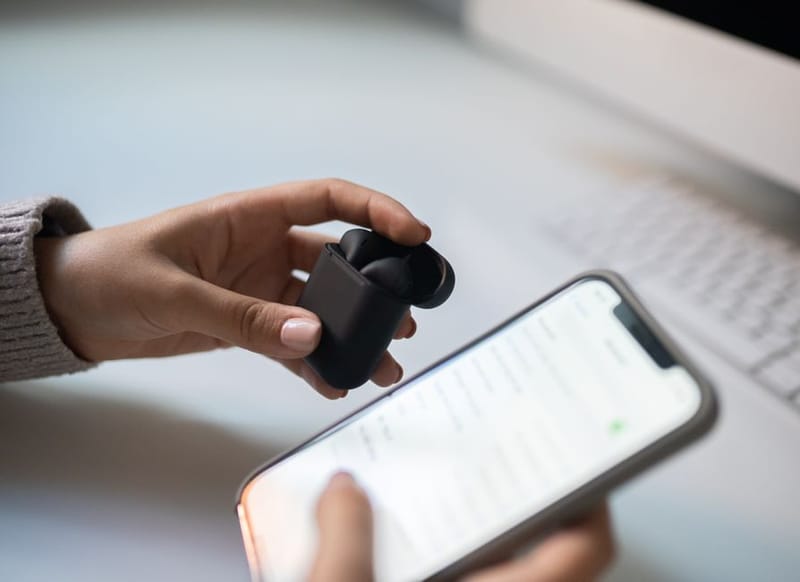
A smart ring that stops syncing is frustrating, but the cause is almost always simple: power, Bluetooth, permissions or a stale app. This guide walks through the fixes in the order most likely to work, so you can get your data flowing again with the least fuss.
The steps apply to the major rings, including Oura, Ultrahuman, RingConn, Samsung and Amazfit, since they all rely on the same Bluetooth-to-app chain.
Why won't my smart ring sync?
Smart rings sync over Bluetooth to their companion app, which then processes and stores your data. Anything that breaks that chain stops the sync: a flat ring battery, Bluetooth switched off or out of range, the app lacking permission to use Bluetooth or run in the background, an outdated app or firmware, or simply not having opened the app recently enough for it to pull new data.
Because the failure is usually one of a handful of common causes, a methodical run through the checks below clears the vast majority of cases.
How to fix a smart ring that won't sync or pair
Charge the ring first
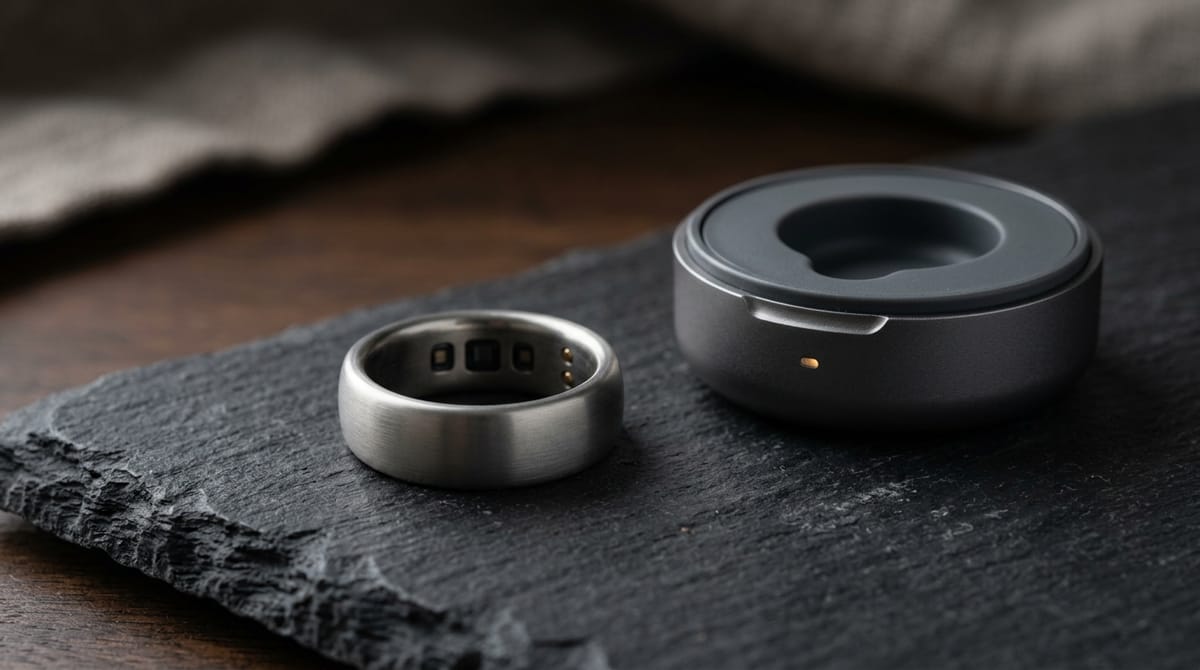
A low or flat battery is the single most common cause. Put the ring on its charger for a few minutes and confirm it shows a charging indicator before trying again.
Check Bluetooth and range
Make sure Bluetooth is on, your phone is not in aeroplane mode, and the ring is within a metre or so of the phone. Toggling Bluetooth off and on often re-establishes the link.
Force-close and reopen the app
Fully close the ring's app and reopen it. Sync usually happens when the app is in the foreground, so a stale background session is a frequent culprit.
Check app permissions
In your phone settings, confirm the ring's app has Bluetooth permission and is allowed to run in the background. On Android, also check that battery optimisation is not blocking it.
Update the app and firmware
Install any pending app update from the store, then open the app and apply any firmware update it offers for the ring. Mismatched versions can stop syncing.
Re-pair from scratch
If all else fails, remove the ring from your phone's Bluetooth list and delete it within the app, then restart your phone and pair the ring again as if it were new.
Why does my ring pair but not sync data?
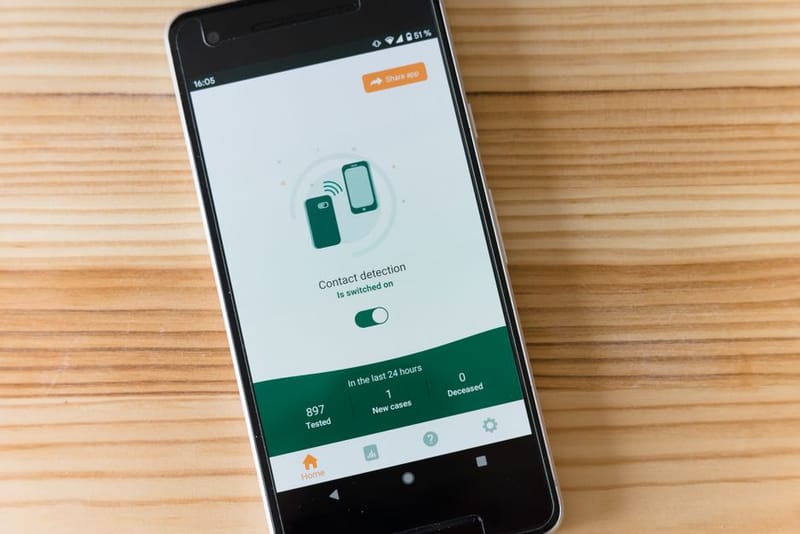
If the ring connects but no new data appears, the link is fine and the problem is usually the app side. Open the app and leave it in the foreground for a minute to let it pull data, since many rings only sync actively while the app is open. Check that background app refresh and Bluetooth permissions are enabled, and confirm the phone has enough free storage. If you use a health hub such as Apple Health or Android's Health Connect, a missing metric there is usually a separate per-category permission rather than a sync failure.
When is it a hardware fault?
Hardware faults are rare but possible. If the ring will not charge at all, never appears in the Bluetooth list even after a full reset and restart, or repeatedly drops connection within seconds despite being close to the phone, it may be a charging-contact or battery issue. At that point, contact the manufacturer's support with your purchase details, as it may be covered under warranty. Our warranty comparison covers what each brand offers, and the not-charging guide tackles power problems specifically.
Smart Ring Not Charging?
Smart Ring Health Connect Integration
Smart Ring Warranty Comparison
Best Smart Rings of 2026
Why won't my smart ring sync with the app?
How do I re-pair my smart ring?
My ring pairs but no data appears - why?
How do I know if my smart ring is faulty?
Still not working after a reset?
Check whether a hardware fault is covered by your ring's warranty.