Smart Ring MyFitnessPal Integration (UK 2026)
Smart rings don't sync directly with MyFitnessPal. Here's how to bridge Oura, RingConn and others via Apple Health or Health Connect, and what data flows.
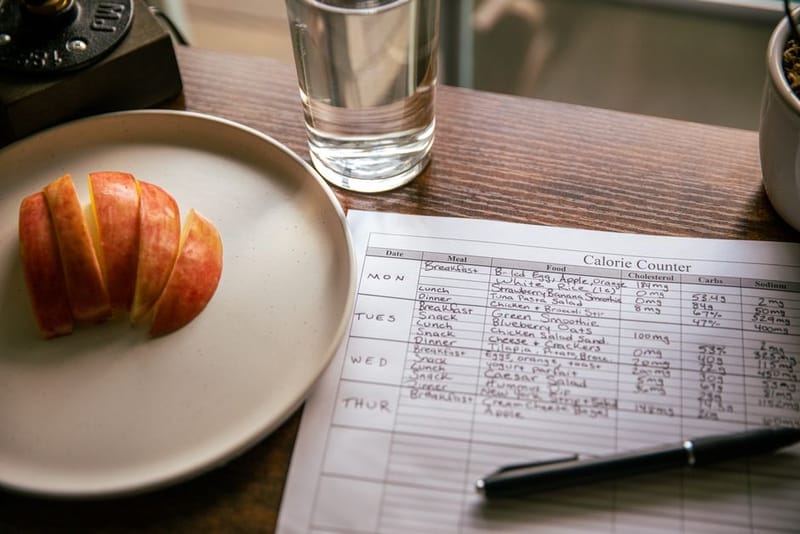
Smart ring MyFitnessPal integration in the UK works through a bridge, not a direct link. MyFitnessPal (a calorie- and macro-tracking app owned by a separate company to every ring maker) has no built-in connection to Oura, RingConn, Ultrahuman or the Samsung Galaxy Ring. Instead, your ring writes activity data to your phone's health hub, and MyFitnessPal pulls it from there.
On iPhone that hub is Apple Health. On Android it is Health Connect (Google's on-device store that lets health apps share data with each other). Once both your ring app and MyFitnessPal are connected to the same hub, your steps and exercise calories flow across automatically.
Can a smart ring sync with MyFitnessPal?
Yes, but always indirectly. No current smart ring app offers a one-tap MyFitnessPal toggle. The supported path is ring app to phone health hub to MyFitnessPal. This matters because if either connection is missing, nothing syncs, and the fix is almost always a permissions toggle rather than a broken app.
How do you connect a smart ring to MyFitnessPal on iPhone?
On iOS, Apple Health is the broker. First, open your ring app's settings and grant it permission to write Steps and Active Energy to Apple Health. Then open MyFitnessPal, go to the menu, choose Apps & Devices, select Apple Health and enable it. Allow MyFitnessPal to read Steps and Active Energy when prompted.
How do you connect on Android (Health Connect)?
On Android the broker is Health Connect, which replaced the old Google Fit sync route. After May 2026, the Fitbit app was also folded into the new Google Health app, so older Fitbit-based instructions no longer apply. Grant your ring app permission to write to Health Connect, then in MyFitnessPal open Apps & Devices, choose Google Health Connect and enable the Steps and Active Calories permissions.
Update both apps
Install the latest version of your ring app and MyFitnessPal so the Health Connect / Apple Health permissions are current.
Let the ring write to the hub
In the ring app, enable writing of Steps and Active Energy to Apple Health (iPhone) or Health Connect (Android).
Open Apps & Devices in MyFitnessPal
Tap the menu, then Apps & Devices.
Connect the matching hub
Choose Apple Health on iPhone or Google Health Connect on Android, and approve the Steps + Active Calories permissions.
Set your calorie-adjustment preference
Decide whether to enable negative calorie adjustments, which lower your budget on low-activity days.
Test it
Log a short walk, wait for the hub to sync, and confirm an exercise-calorie entry appears in MyFitnessPal.
What data actually syncs to MyFitnessPal?
Only two things reach MyFitnessPal: your step count and your active calories (the energy you burn moving, not your resting metabolism). MyFitnessPal already estimates your basal metabolic rate (BMR, the calories your body burns at rest) from your profile, so it adds the ring's active calories on top as an exercise adjustment.
Everything else your ring measures, sleep stages, heart-rate variability, SpO2, skin temperature and readiness or recovery scores, stays inside the ring app. MyFitnessPal is a nutrition tool, so it has nowhere to put that data and never requests it.
Which smart ring works best with MyFitnessPal?
Any ring that writes to Apple Health or Health Connect will feed MyFitnessPal, so the practical question is which ring has the most reliable hub integration. The Oura Ring has the deepest, two-way Apple Health link of any ring, which makes it the smoothest pick for iPhone users. RingConn and Ultrahuman both write steps and active energy cleanly to either hub and cost less, with RingConn adding the bonus of no subscription. For a full breakdown, see our best smart rings guide.
What are the limitations?
The sync is one-way for activity: your ring feeds MyFitnessPal, but the food and calorie totals you log do not flow back to the ring. Sync is not instant either, since it depends on how often each app talks to the health hub, so a just-finished walk may take several minutes to appear. And because only steps and active calories cross over, MyFitnessPal can never show your sleep or recovery data, that lives in the ring app by design.
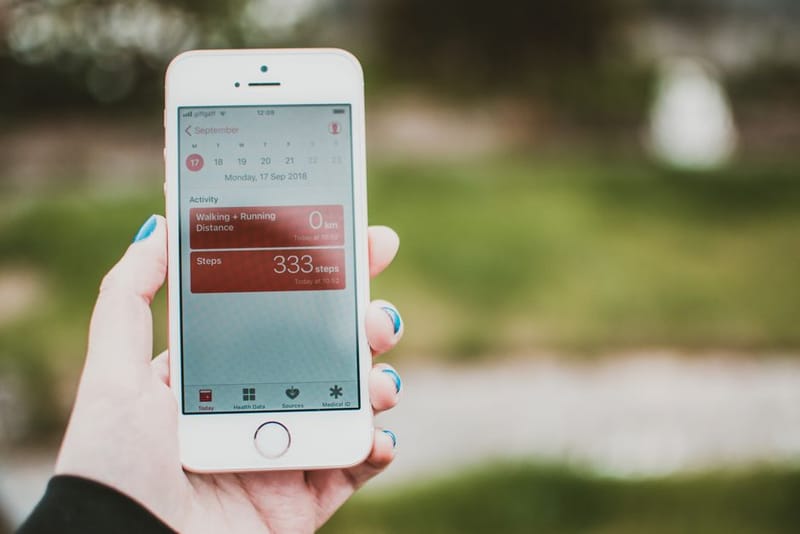
Smart Ring + Apple Health: Full Setup
Smart Ring + Google Health Connect

Smart Ring Step-Counting Accuracy

How Accurate Is Ring Calorie Tracking?
Frequently asked questions
Does MyFitnessPal connect to Oura or RingConn directly?
What data syncs from my ring to MyFitnessPal?
Will my sleep and HRV show up in MyFitnessPal?
Why do my ring and MyFitnessPal calorie numbers differ?
Should I turn on negative calorie adjustments?
Pick a ring that syncs cleanly
See which rings have the most reliable Apple Health and Health Connect integration.