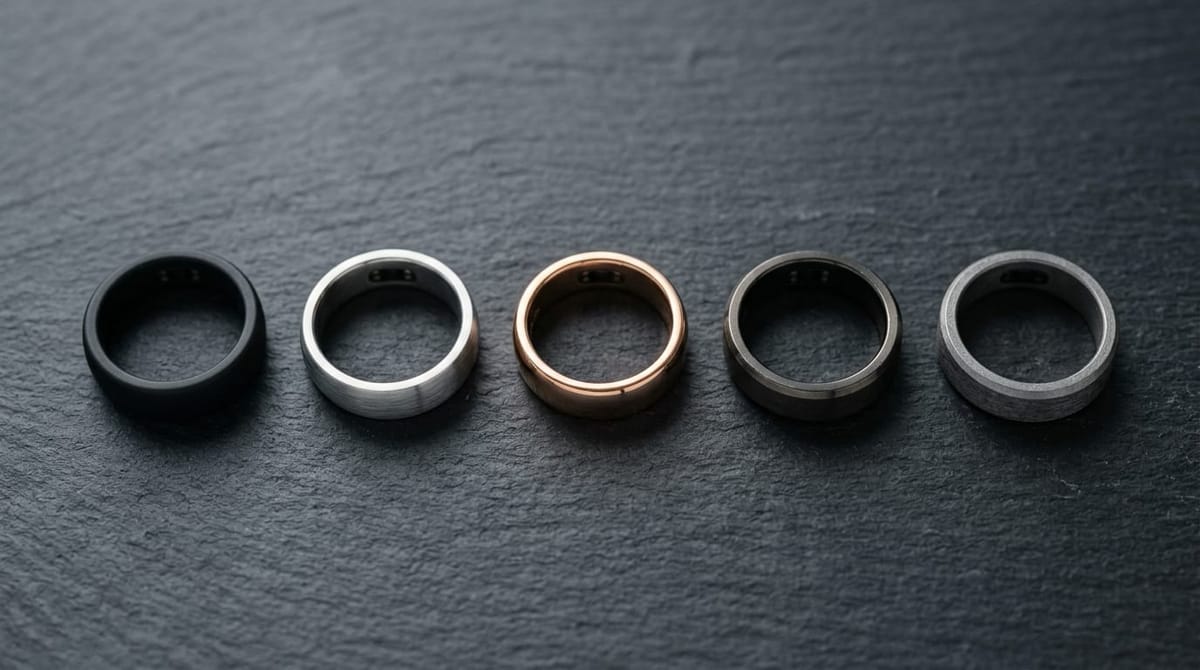
Best Smart Ring for Small Fingers UK 2026
Which smart rings suit small or narrow fingers - brands with the widest size range, why fit is harder, and the sizing steps that avoid a costly mistake.
A smart ring only works if it fits. On a small or narrow finger the optical sensor has less surface to grip, so a ring that is even slightly too big spins, leaves gaps, and feeds the app unreliable readings. The good news is that fit is a solved problem if you do the sizing step properly - and that some brands simply offer more small sizes than others.
Why is fit harder on small fingers?
A smart ring carries its battery and sensors inside the band, so it cannot be resized like a plain jewellery ring. The sensor has to sit flush against the underside of your finger to read your pulse, and on a slim finger there is less contact area to work with. Three problems show up more often on small fingers:
- Spinning. A ring that is half a size too large rotates, so the sensor drifts off the best-read spot and your overnight data gets noisy.
- Gaps. Narrow fingers taper more, so a ring that fits at the base can gape at the knuckle.
- Knuckle clearance. The ring has to pass a relatively larger knuckle to reach a slimmer base, which is the classic between-sizes trap.
None of this rules out a smart ring on a small finger - it just means the sizing kit is non-negotiable, not optional.
Which brands offer the smallest sizes?
Coverage at the small end varies by brand, and it is the single most important thing to check before you fall for a particular ring.
- Oura and Ultrahuman: both publish a wide size range that comfortably covers typical small fingers, and both ship a free sizing kit first. Oura is also the most jewellery-like finish if the ring needs to look the part.
- RingConn Gen 3: good small-end coverage, subscription-free, and a clean titanium look - the value pick for narrow fingers.
- Samsung Galaxy Ring: a sensible choice if you are already in Samsung Health, with a sizing kit that includes smaller dummies.
- Amazfit Helio: the most limited at the small end, so if your jewellery size is genuinely tiny this is the one to approach with caution.
Because a "size 6" from one maker is not identical to a size 6 from another, the only reliable check is the brand's own dummy ring. Confirm the live range on each maker's sizing page - for example the standard ring-size scale is a rough guide only, not a substitute for the kit.
How do I get the size right the first time?
The sizing kit process is what saves you from a £300 mistake. Every major brand sends a set of plastic dummy rings before the real device. Use them properly:
- Wear the chosen dummy for a full 24 hours, including overnight. Fingers swell and shrink across the day, and a ring that fits at 9am can be tight by evening or loose at 6am.
- Expect to size up. Most people are one to two sizes larger on the sensor finger than their normal jewellery ring size, so a "small" jewellery finger often lands mid-range on a smart ring. Do not order your jewellery size blind.
- When between sizes, size down with care. A slightly snug ring reads better than a loose one, but it must still slide over the knuckle without forcing. If the knuckle is the only obstacle, that is normal; if the base feels tight, go up.
- Pick the right finger. The index finger is the usual recommendation for the best sensor signal, with the middle finger a solid second. See our which-finger guide for the full reasoning.
Which smart ring should you pick for small fingers?
Short version:
You want the best fit refinement and a jewellery look - Oura Ring 4. The widest finish choice and a sizing process built for getting narrow fingers right, at the cost of a monthly subscription.
You want a broad size range with no subscription - Ultrahuman Ring Air. Strong small-end coverage and no monthly fee.
You want the value pick - RingConn Gen 3. Good small sizes, long battery, subscription-free.
You have genuinely tiny fingers - confirm the smallest available size on the maker's sizing page first, and steer clear of Amazfit Helio if you are at the bottom of the scale. Our full smart ring sizing guide covers the edge cases.
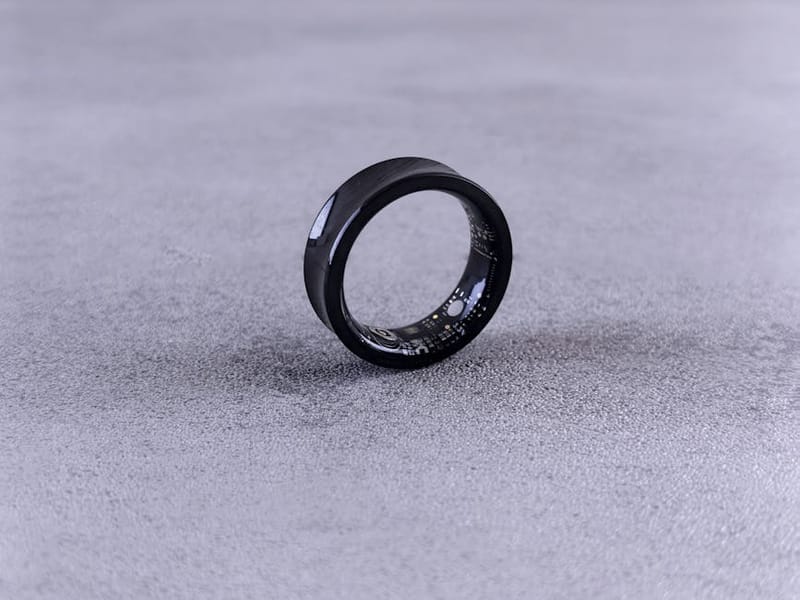
Oura Ring 4
RingConn Gen 3
Frequently asked questions
Can you get a smart ring for very small fingers?
What size smart ring do I need if my jewellery ring is small?
Why does my smart ring spin on my finger?
Should I size up or down on a narrow finger?
Which finger is best for a smart ring if my fingers are slim?
Smart Ring Sizing Guide
Which Finger Should You Wear a Smart Ring On?
Best Smart Ring for Women 2026