Smart Ring + Peloton: What Works (UK 2026)
A smart ring can't show live heart rate or a Strive Score on Peloton. What syncs via Apple Health or Health Connect, and how to pick classes by readiness.
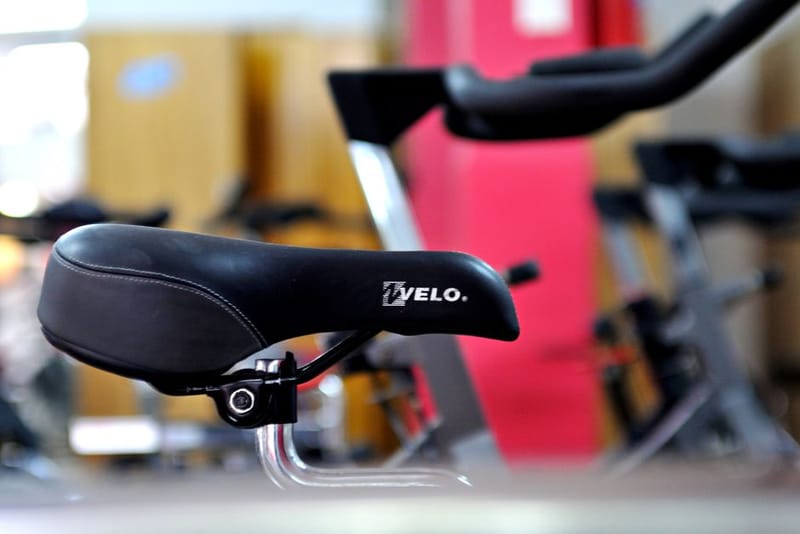
Smart ring Peloton integration in the UK comes down to one split: the ring covers the 23 hours around your class, and a separate heart-rate device covers the class itself. A smart ring (a finger-worn health-sensor wearable) records your sleep, resting heart rate and HRV, but it does not feed a number to the Peloton screen while you ride, run or row. Peloton (the US connected-fitness company behind the Bike, Bike+, Tread and Row, plus the Peloton App) builds its in-class metrics around a live heart-rate signal that rings do not send.
This guide covers what that gap costs you on Peloton specifically, how the after-class sync works on iPhone and Android, and how to turn a morning readiness score into a choice of Peloton class.
Can a smart ring show your heart rate on the Peloton screen?
No. This is the single most important thing to understand. Smart rings do not broadcast live heart rate over Bluetooth the way a chest strap, the Peloton heart-rate band, or an Apple Watch (Apple's wrist smartwatch) does. Peloton's on-screen heart-rate tile reads from devices that advertise a standard live heart-rate signal, and rings simply do not offer one. Your ring is recording your heart rate the whole time, but it stores that data for later rather than streaming it.
Peloton's own guidance names the devices that do work: Peloton hardware other than the Bike+ pairs with Bluetooth LE and ANT+ heart-rate monitors, and the Bike+ pairs with an Apple Watch, which streams live heart rate to the bike through the Peloton watch app, according to Peloton's Strive Score explainer. A ring is in neither group.
What do you lose on Peloton without live heart rate?
More than a number in the corner of the screen. Three Peloton features depend on a live heart-rate feed during the class:
- Strive Score. Peloton describes it as a personal, non-competitive score built from your heart rate. You earn a fraction of a point for every second in a heart-rate zone, with Zone 1 worth 1x, Zone 2 worth 2x, Zone 3 worth 4x and Zones 4 and 5 both worth 8x. No live heart rate means no Strive Score for that class.
- Heart-rate zone display. The zone bar that tells you whether you are in Zone 2 or Zone 4 needs a beat-by-beat feed. Zones are set from the birthday on your Peloton profile unless you enter your own maximum heart rate.
- Heart-rate history on the workout. The heart-rate graph on a finished class, and the heart-rate data Peloton writes onward to Apple Health, come from the device paired during the class. A class done with only a ring logs duration and output, not your heart rate.
Output, cadence and resistance on the Bike, and pace on the Tread, come from the machine, so those still record normally with a ring on.
What do you need for live heart rate on Peloton?
A chest strap is the accurate, low-fuss choice: it pairs to the Peloton screen over Bluetooth or ANT+ in seconds. The Peloton Heart Rate Band, an optical armband worn on the forearm or upper arm, is the comfortable alternative and pairs over Bluetooth. On the Bike+, or in the Peloton App on iPhone, an Apple Watch does the same job. If you already own a Garmin or other sports watch, its heart-rate broadcast mode pairs as a standard Bluetooth sensor. Our ring vs chest strap accuracy guide explains why the strap wins during hard intervals.
How does a smart ring sync with Peloton then?
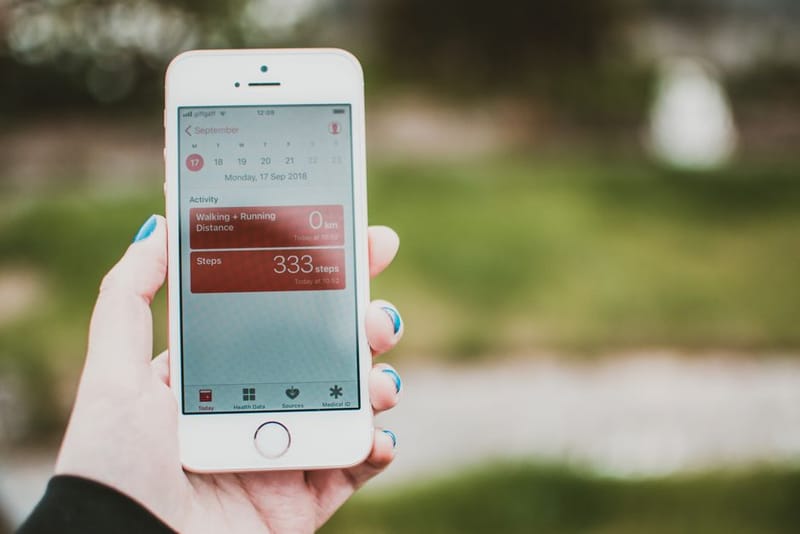
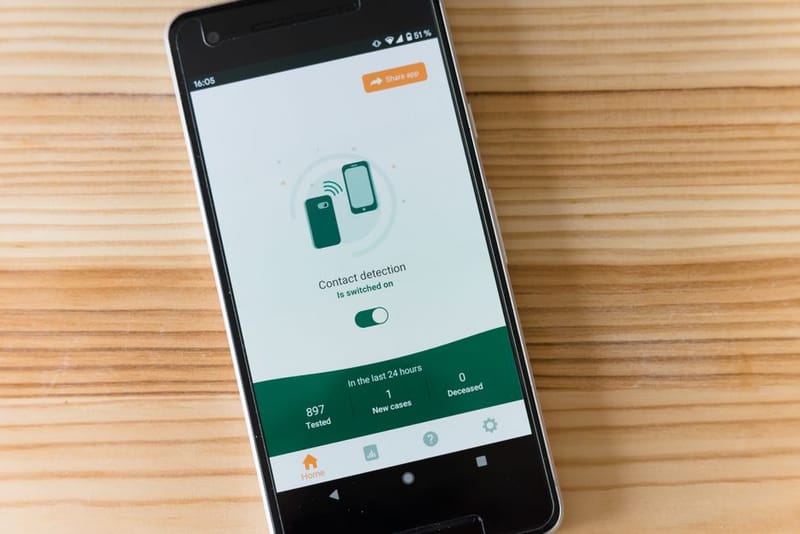
Indirectly, and after the fact, through the health hub on your phone. Apple Health is the health-data store built into every iPhone; Health Connect is Google's equivalent on Android, the hub apps read from and write to. Peloton writes each finished workout to the hub. Your ring app reads workouts from the same hub and adds the class to your day.
Oura documents this route explicitly: its data-sharing page lists workouts (type, duration, calories, distance) imported from Apple Health, and workouts plus heart rate, calories and power imported from Health Connect. Imported workouts count towards Oura's Activity Score and daily activity goal.
Where your Peloton data goes
- Peloton to Apple Health (iPhone)
- Finished workout with duration, active energy, distance and, if a monitor was paired, heart rate
- Peloton to Health Connect (Android)
- Finished workout, shared through the Health Connect add-on in the Peloton app
- Apple Health or Health Connect to ring app
- The ring app imports the workout and counts it towards activity and recovery
- Ring to Peloton
- Nothing live; Peloton can read activity from Apple Health, but readiness and sleep scores do not appear in Peloton
- Peloton to Strava to Oura
- An alternative route: Oura imports Strava workouts with heart rate for the current day
Pick your health hub
Apple Health on iPhone, or Google Health Connect on Android.
Connect Peloton to the hub
In the Peloton app, enable writing workouts to Apple Health or Health Connect.
Connect your ring app to the same hub
Grant the ring app permission to read activity and workouts from the hub.
Use a live HR device for the class itself
Pair a chest strap or Apple Watch to Peloton if you want on-screen heart rate.
Check the ring app afterwards
Your Peloton session appears in your activity, and the ring factors it into recovery.
How do you stop a Peloton class counting twice?
Duplicates are the most common annoyance once the sync is live. Most rings auto-detect sustained activity, so a 45-minute ride can appear once as an auto-detected cycling session and again as the imported Peloton workout. Fix it in three moves:
- Keep the imported Peloton workout, because it carries the class type and, with a strap, accurate heart rate.
- Delete or dismiss the ring's auto-detected copy of the same session in the ring app.
- If a third app (Strava or Garmin Connect) also writes the class to Apple Health, switch off one of the writers so the hub holds one copy.
Oura also states that its Strava import covers only the current day, with no retroactive imports, so open the app on the day of the class if you use that route.
How should a readiness score change your Peloton class?
This is where a ring earns its place next to a Peloton. A readiness or recovery score (a morning number built from sleep, resting heart rate, HRV and body temperature) tells you how much training load your body will absorb today. HRV, short for heart-rate variability, is the beat-to-beat variation in your heartbeat; a drop below your own baseline signals incomplete recovery. Peloton's library is broad enough to match a class to each band:
| Ring readiness | What it signals | Peloton class to pick |
|---|---|---|
| High, HRV at or above baseline | Recovered, ready for load | HIIT, Tabata, Power Zone Max or a Tread interval run |
| Middle, HRV near baseline | Train, but not your hardest | Power Zone Endurance, a 30-minute Climb or a steady Row |
| Low, HRV clearly below baseline | Fatigue, poor sleep or illness coming | Low Impact ride, a recovery ride, yoga or stretching |
| Low two or more days running | Accumulated fatigue | Rest day; check sleep and alcohol before blaming training |
Treat the score as a prompt, not an order. A single low reading after a late night matters less than a three-day slide. Our readiness score accuracy guide explains what the number can and cannot see, and HRV explained covers how to read your baseline.
Does a ring get in the way during Peloton classes?
On the Bike and Row, a ring sits under constant grip pressure on the handlebars or handle. That pressure is uncomfortable on long rides and pushes the sensor against the finger, so many riders move the ring to a finger that carries less of the grip, such as the ring finger rather than the index finger. Our which finger guide covers the trade-offs for sensor accuracy.
Peloton strength classes are a different problem. Dumbbells and kettlebells press metal against metal, which scratches the ring's coating and pinches the finger under load. Take the ring off for heavy strength work or turn it to the back of the hand; see do smart rings scratch easily before your first strength block. Running on the Tread raises no such issue.
Which ring works best alongside Peloton?
Any ring that reads workouts from Apple Health or Health Connect picks up your Peloton classes, so judge rings on recovery tracking and on how cleanly they import workouts. The Oura Ring, from Finnish maker Oura, documents the deepest two-way link with both hubs plus a Strava route, which suits a Peloton rider best on paper. The subscription-free RingConn Gen 2 and lighter Gen 2 Air deliver strong sleep and recovery tracking for less. If you also ride outdoors, our best smart ring for cycling guide weighs the options for riders, and the best smart rings guide covers the full field.
Who should skip a ring for Peloton?
A ring adds little if Strive Score and heart-rate zones are the whole point of your Peloton habit and you sleep well already: a chest strap alone covers that. It adds the most for riders who train five or more days a week, stack classes, or keep getting ill after hard blocks, because those are the patterns a recovery trend catches early. If you already wear an Apple Watch on the Bike+, compare our ring vs Apple Watch guide before buying a second device.
Is Peloton different from Zwift or Apple Fitness+ for ring users?
The live heart-rate gap is the same on every indoor platform, but the details differ. Zwift pairs sensors directly and rewards power, so a ring user loses less there; see our Zwift guide. Apple Fitness+ needs an Apple Watch for its on-screen metrics, covered in our Fitness+ guide. Peloton sits in between: the machine records output on its own, and heart rate unlocks Strive Score on top.
Summary: the Peloton and ring setup that works
Pair a chest strap, armband or Apple Watch for the class, so you keep live zones, Strive Score and heart rate on the workout record. Wear the ring the rest of the time, connect Peloton and the ring app to the same health hub, and clear duplicate sessions. Then let the morning readiness score pick between a HIIT ride, a Power Zone Endurance ride and a recovery day.
Smart Ring + Apple Health Setup
Smart Ring + Google Health Connect
Smart Ring + Strava
Frequently asked questions
Can I use my Oura Ring as a heart rate monitor for Peloton?
Will my Peloton workouts show up in my ring app?
Is there a direct Peloton to smart ring connection?
What is the benefit of wearing a ring during Peloton?
Can I get a Strive Score with only a smart ring?
Does Peloton send heart rate to my ring app?
Should I wear my ring during Peloton strength classes?
Find a ring that tracks recovery well
Pair it with a chest strap for a Peloton setup that covers the class and the recovery.